Meet Lucy, Your
Intelligent Digital Guide.
The second cursor that visually points and speaks,
making computers accessible for everyone.

Lucy 🔊 Listens
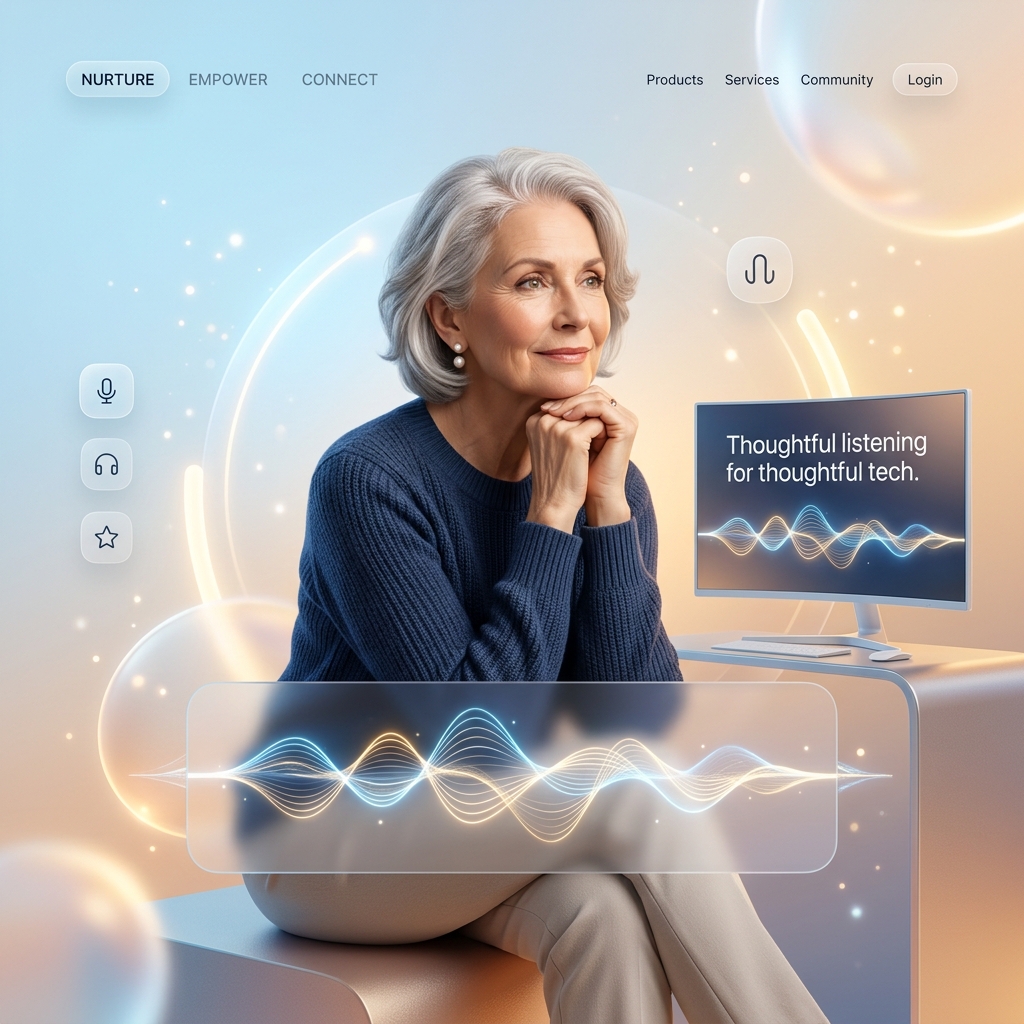
Hit Ctrl + Option and ask, "Lucy, how do I print?"
Guided Action
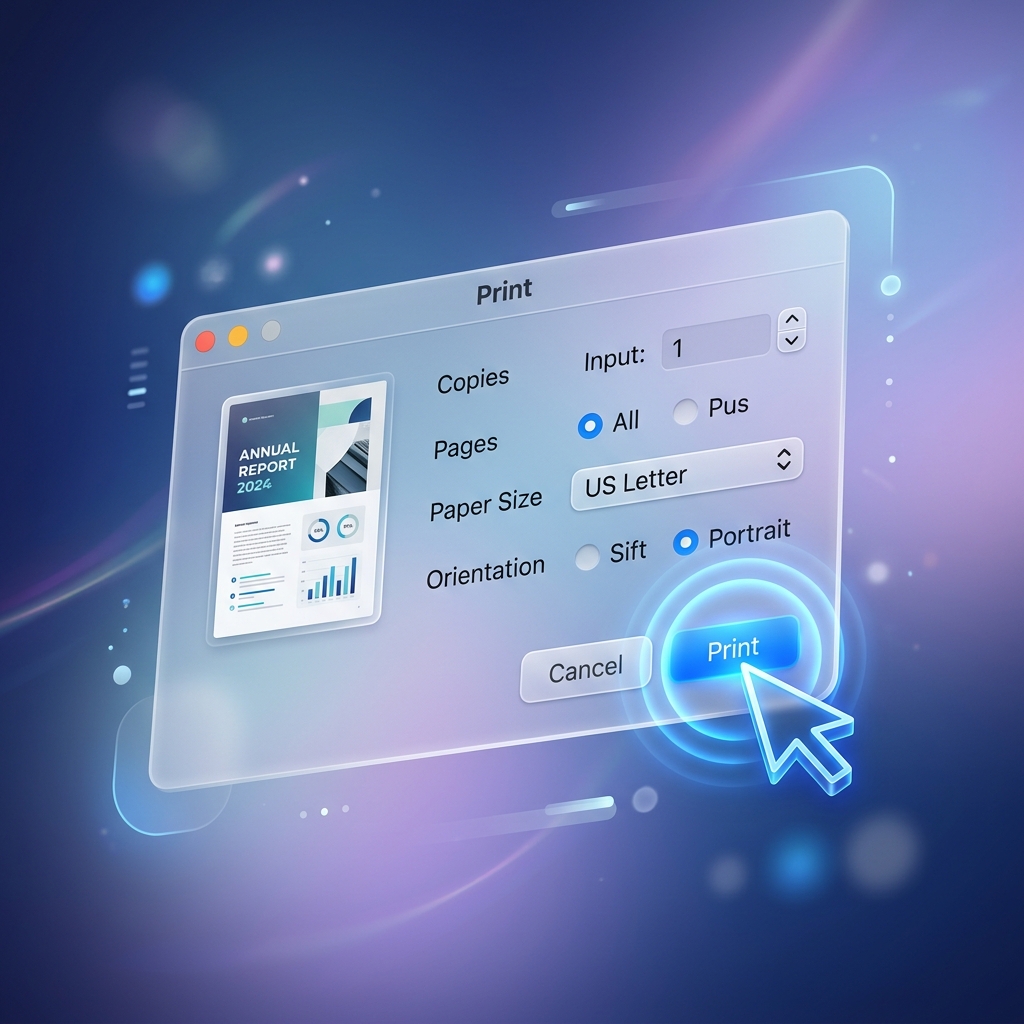
Lucy's patient voice explains the steps while her blue cursor guides your hand.
Key Features

Visual
Response Time
Guidance when you need it, with unperceived latency.
Key Features
Privacy First
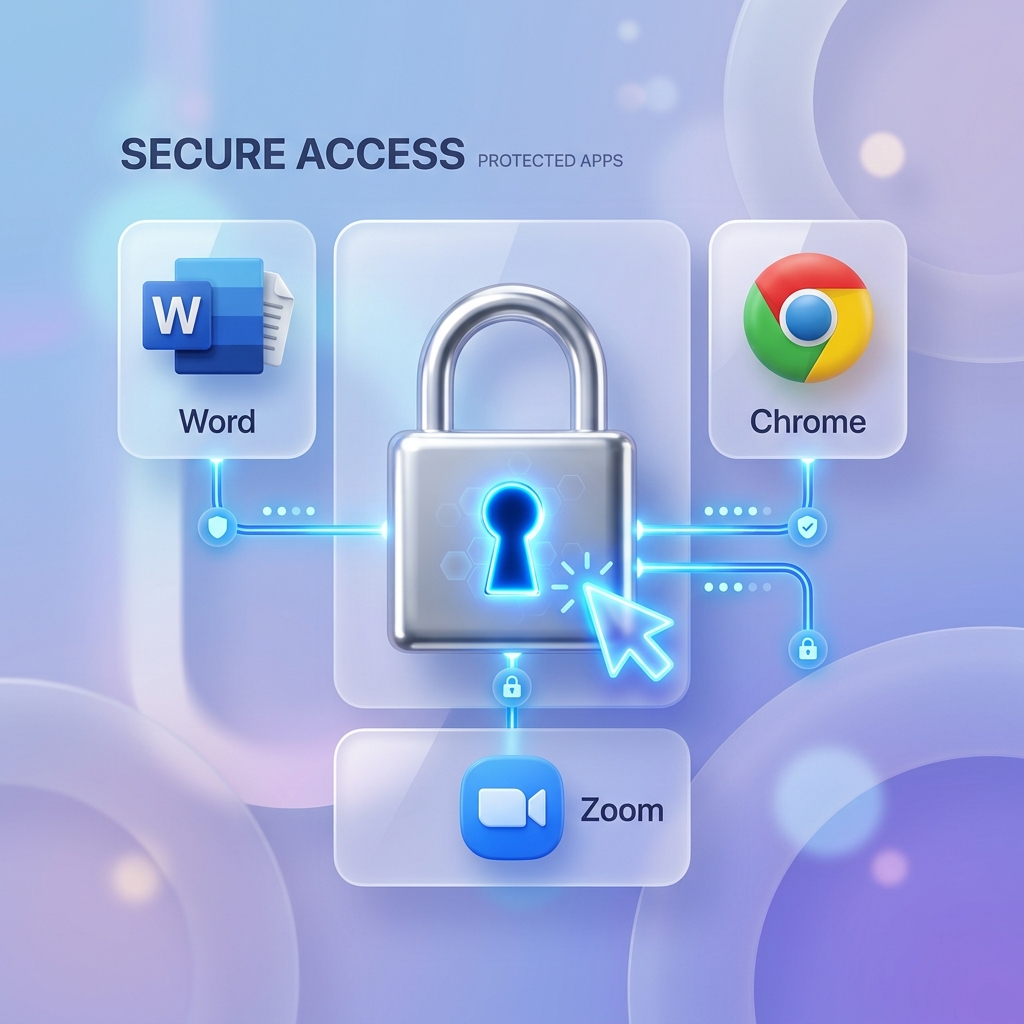
Private and Local.
View Lucy does not record or share screens.
Key Features
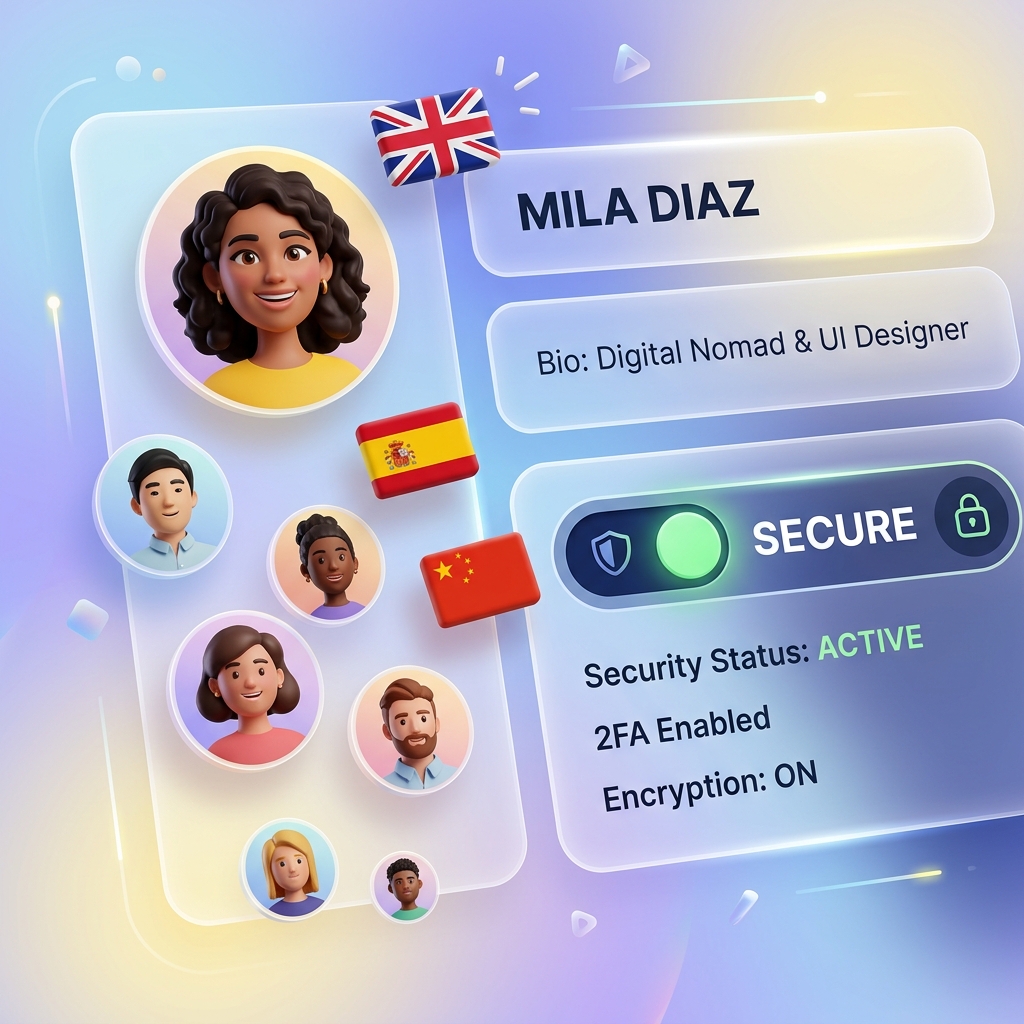
Voice Diversity
12+ Voices & Languages
Stop Feeling Stuck.
Always Find Your Way.

View Lucy guides you through any confusing screen, instantly.